 SkillBamboo

My coding agent recommended an MCP server from GitHub not long ago, and I nearly cloned it on autopilot, the way I'd done with plenty of skills before. Then a thought wouldn't leave me alone. How would I even vet an MCP server, when the only reason I trusted this one was that the agent had suggested it?
I didn't have a good answer, so I went digging into how fake repos end up in an agent's recommendations and what separates them from the real thing. What came out of it is a routine I now run on every new repo, and with it you can check the repo, its publisher and its install step yourself, then decide whether to install.
Why an Agent’s Recommendation Isn’t a Security Check
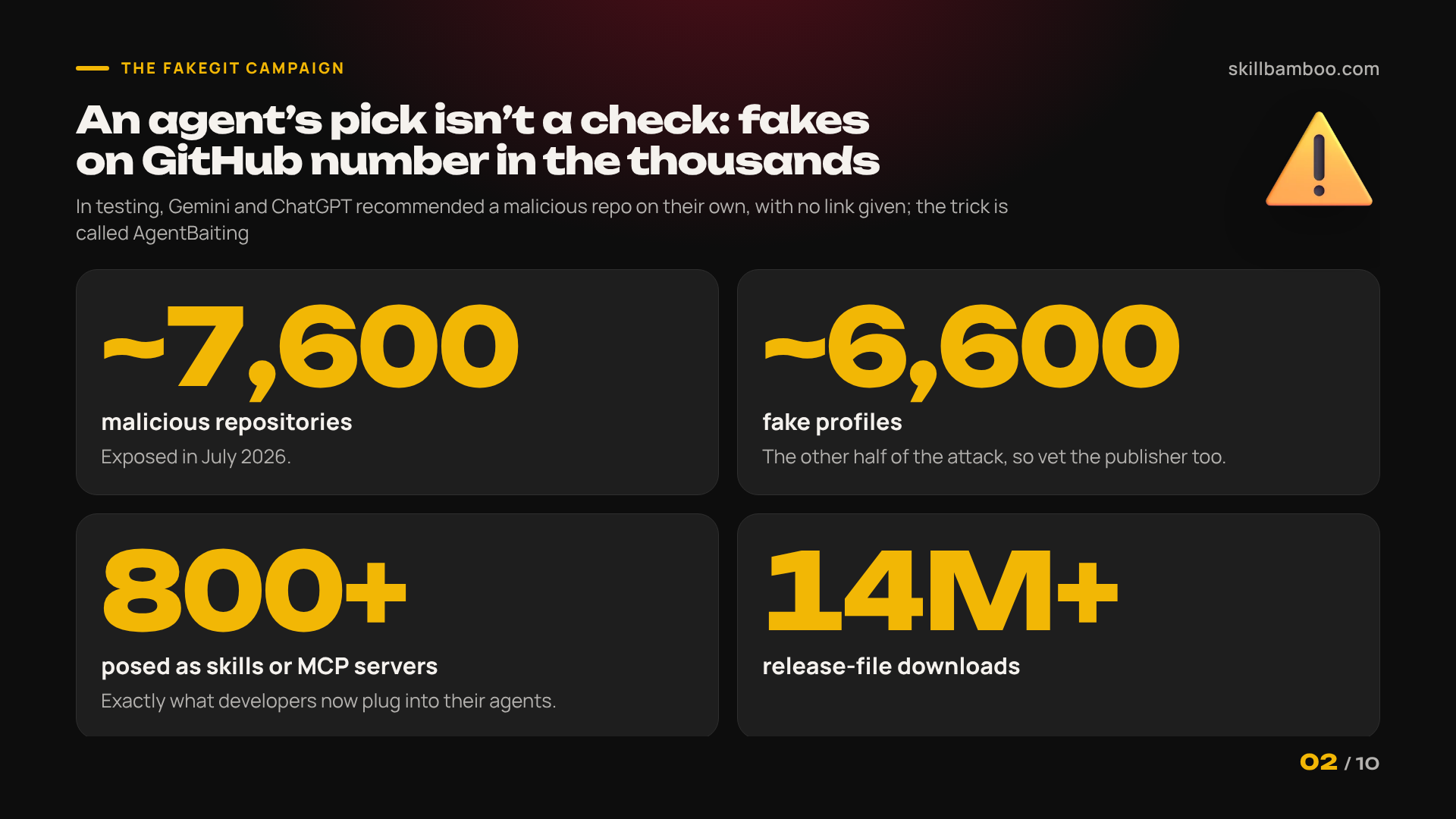
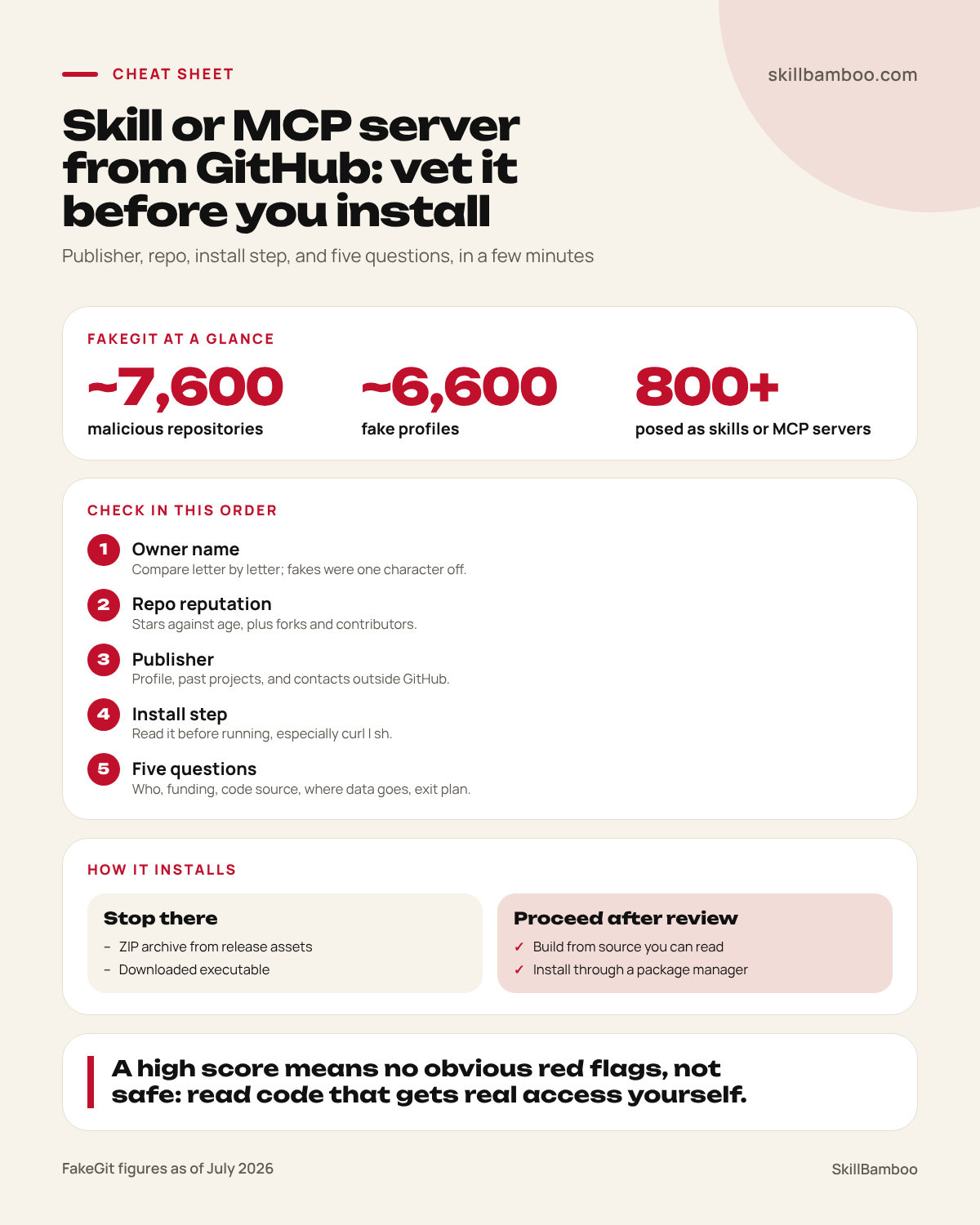
In July 2026, security researchers at Island exposed a campaign they named FakeGit. It involved about 7,600 malicious GitHub repositories, roughly 6,600 fake profiles, and more than 14 million downloads of release files.
Over 800 of those repos posed as AI skills or MCP servers, the exact components developers now plug into their agents.
Testing turned up something worse. Gemini and ChatGPT recommended a malicious repo on their own, with nobody handing them a link.
Claude Code’s results were mixed. In one run, it suggested a benign repo but called the malicious one a usable alternative and repeated its install steps. In other runs, it spotted the suspicious contents and refused.
Island calls this AgentBaiting. Ask for a Walmart MCP server that costs nothing, and the agent may rank an attacker’s repo first, reading the poisoned README as ordinary docs.
So the lure isn’t only a persuasive README anymore. It’s your own assistant vouching for code it never actually examined.
A directory listing doesn’t settle the question either. Anthropic reviews connectors against its listing criteria before adding them to its directory, but it does not security-audit MCP servers.
In other words, neither a recommendation from Claude Code nor a spot in a catalog counts as a security check.
Agents can’t vouch for safety
A model reads the same README you would, and attackers write that README for it. Treat any repo an agent suggests as unverified until you’ve run the checks below yourself.
Why the Install Step Is the Real Risk (curl | sh and Binaries)
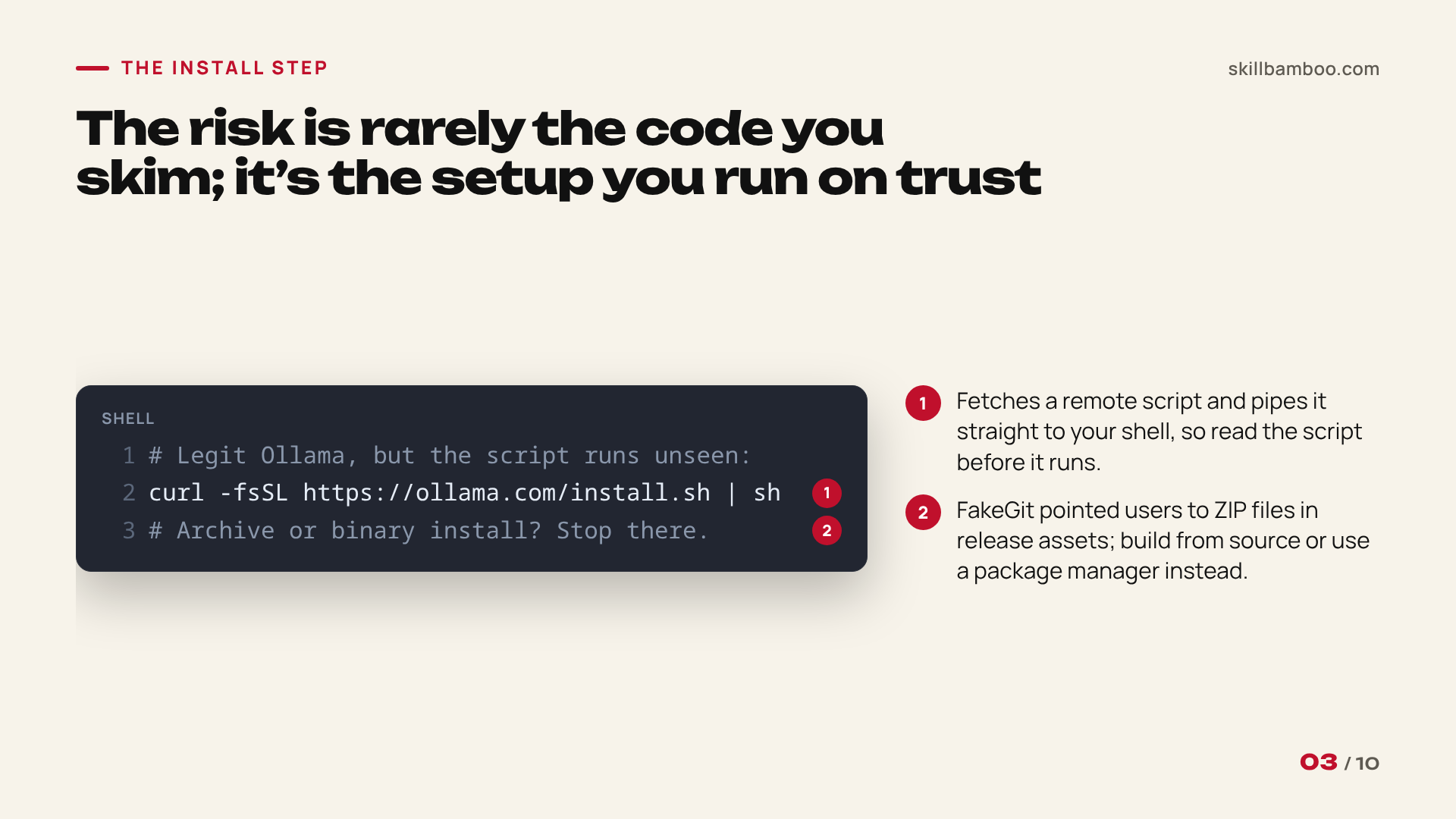
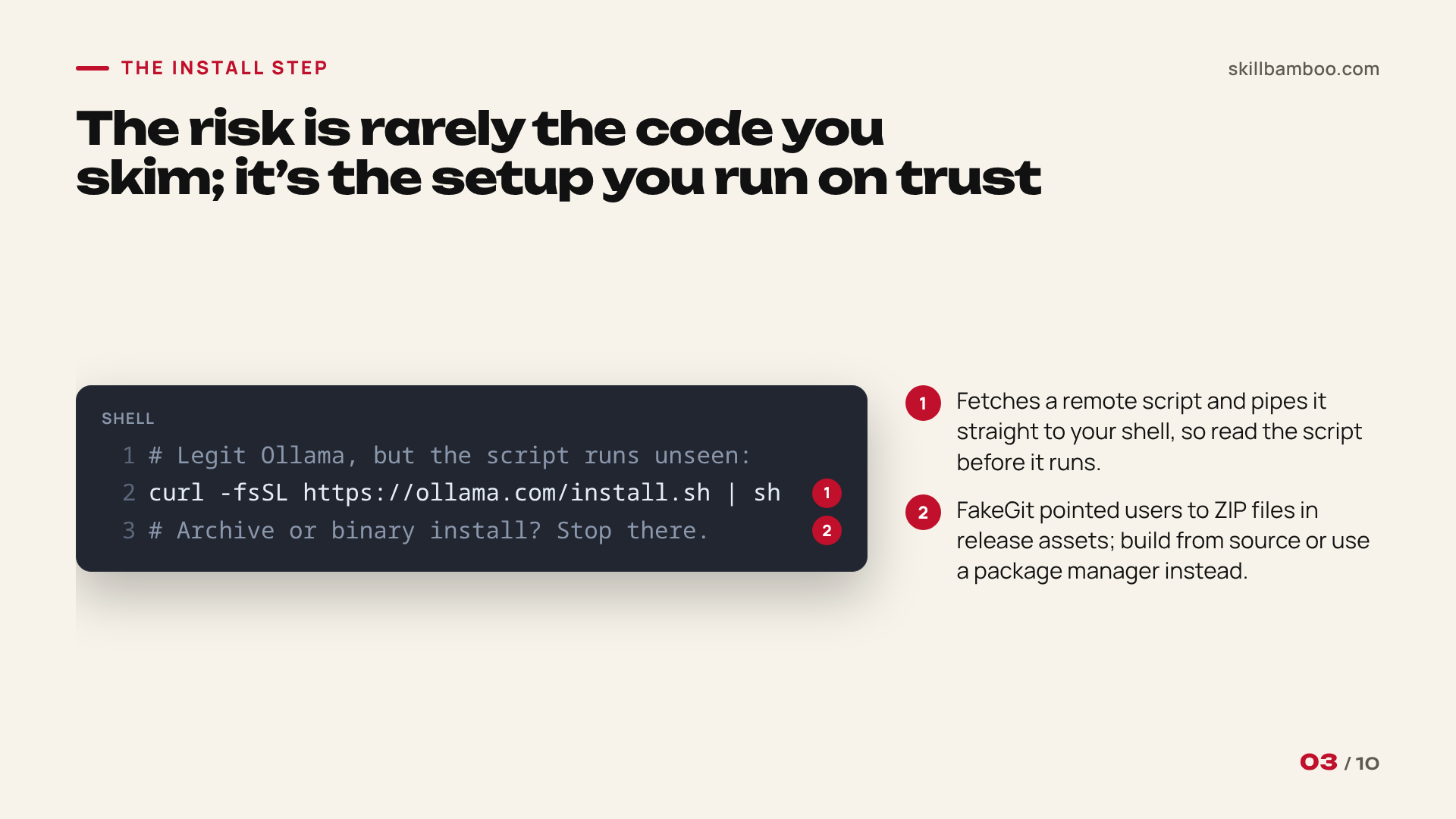
The harmful part is rarely the source code you skim. It’s the setup command you run on trust.
Even Ollama, a legitimate project, ships an official install that looks like this:
curl -fsSL https://ollama.com/install.sh | sh
That line fetches a remote script and hands it straight to your shell before you’ve seen a single line of it. This doesn’t make Ollama malicious. It means the script is worth reading before it runs.
One install pattern doesn’t deserve a read at all. Island’s guidance is to reject on sight any skill or MCP server that installs through a downloaded executable.
FakeGit’s fakes pointed users to ZIP files in release assets. If a README tells you to grab an archive or a binary instead of building from source or using a package manager, just stop there.
Why be this strict? Most of us hesitate before opening a sketchy link in an email.
But software you install gets much deeper access to your machine than any link. And that machine usually holds your email, your passwords, and your banking logins (not just the project you’re working on).
Deterministic GitHub Repo Checks You Can Run Yourself
Deterministic just means the result doesn’t depend on anyone’s opinion, including your agent’s. You look at facts on the repo page, and you get the same answer every time. Here’s what to look for:
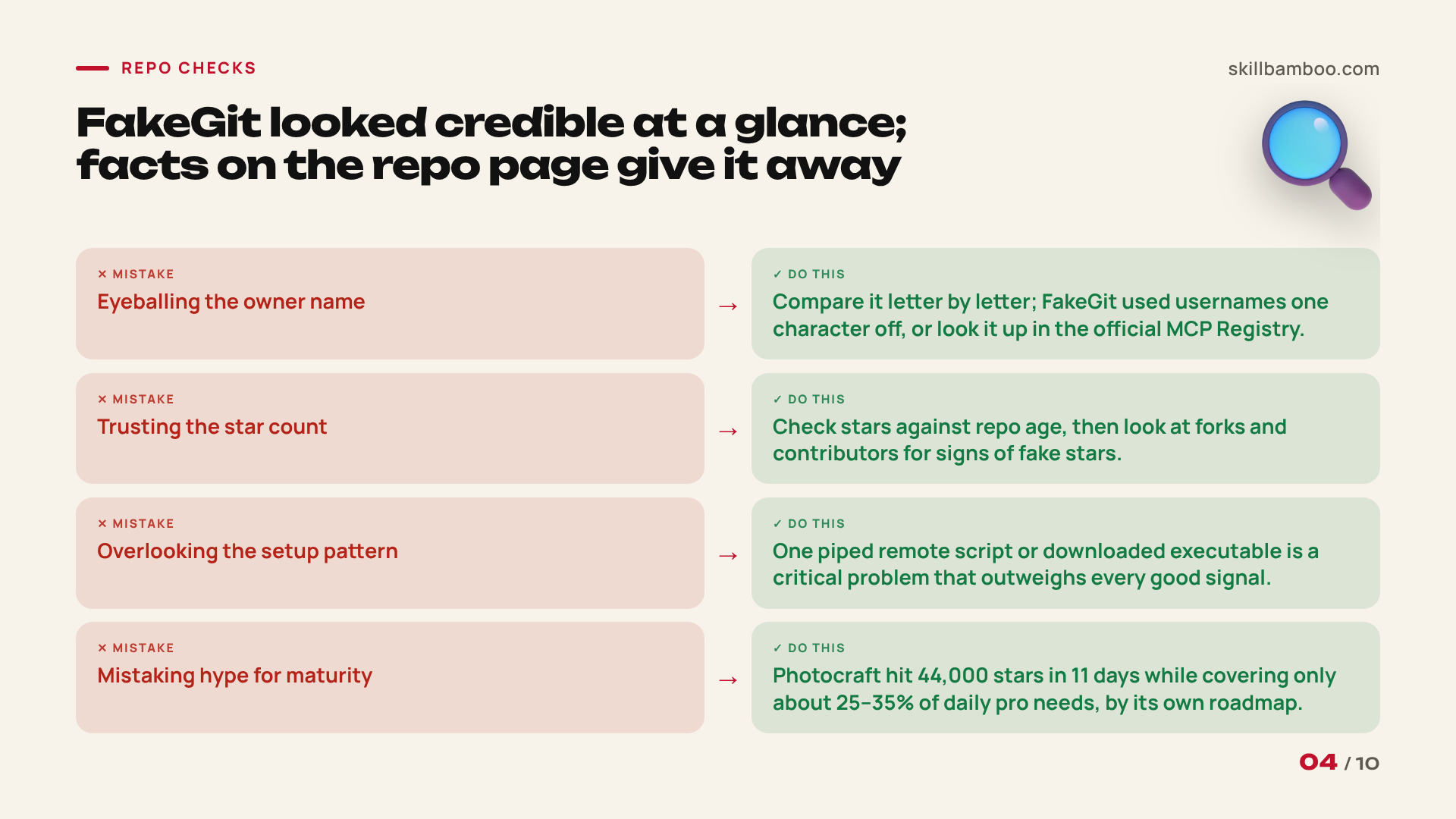
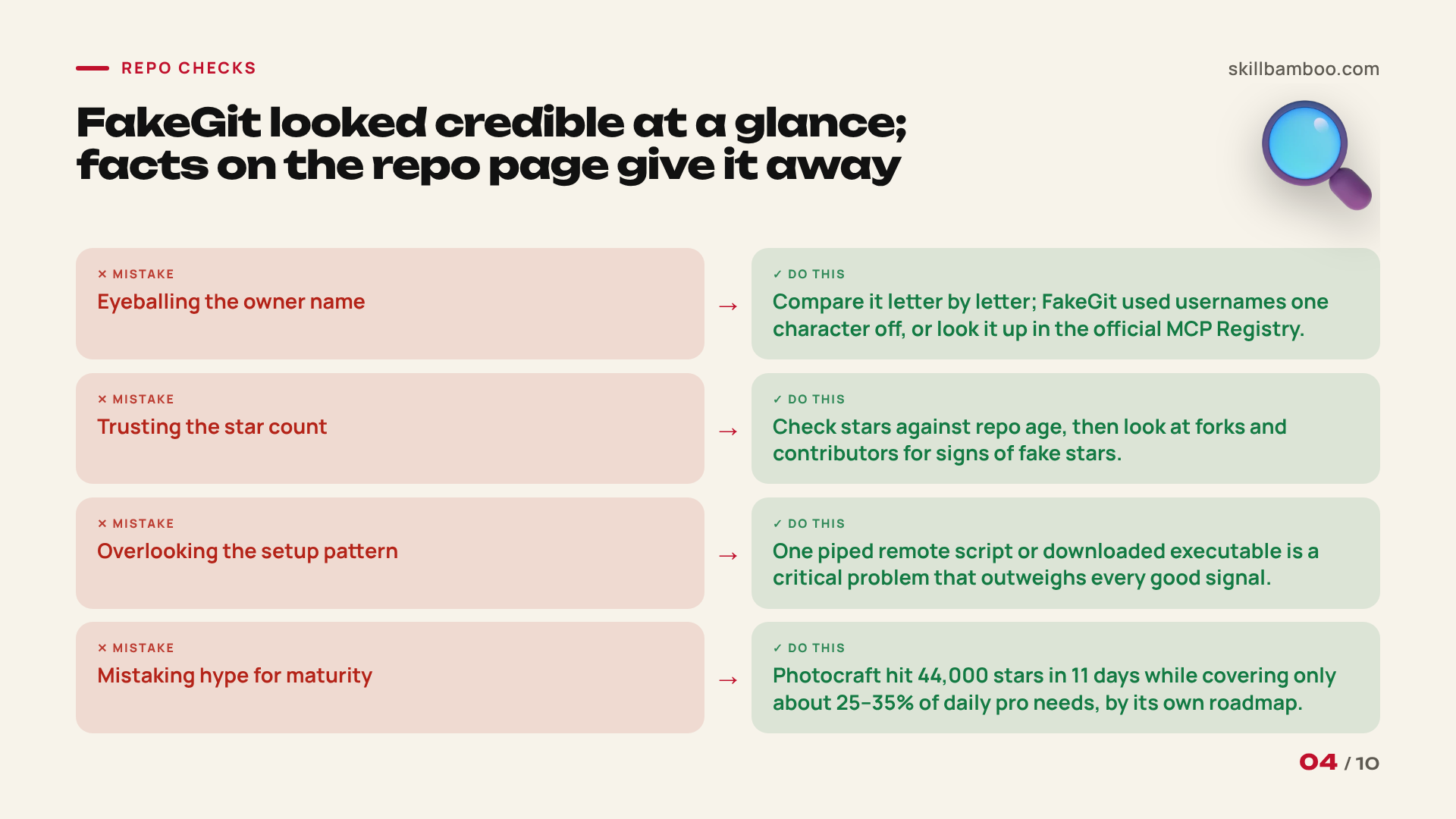
- Owner name. FakeGit leaned on usernames that differ from the real one by a single character. Compare the name letter by letter against the project you expect, and if you don’t know the original, look the server up in the official MCP Registry, which validates namespace ownership through GitHub or a domain when a server is published.
- Stars versus age. FakeGit also kept its star counts small but plausible, so the repos looked credible on a quick scan. Check whether the star count makes sense for how old the repo is.
- Forks and contributors. Look past stars to forks and the contributor list. Repo trust rests on all of these signals together, plus any sign of fake stars.
The next two checks look past the numbers:
- Setup patterns. Scan the install instructions for patterns that hide malware, like piped remote scripts or downloaded executables. A single such pattern is a critical problem, and it outweighs every good signal elsewhere.
- Hype versus maturity. Popularity tells you nothing about who wrote the code or how finished it is.
That last point holds even for genuine projects. ArtCraft, a set of free open-source apps modeled on Adobe’s tools, is real, not a fake.
Eleven days after launch, its Photocraft app alone had 44,000 GitHub stars. By the project’s own roadmap, that app covered only about 25–35% of what a professional needs day to day.
Thousands of people installed the set without stopping to check anything. A star count that climbs that fast can pull anyone past the checks, whatever the repo.
Vet the Publisher, Not Just the Code
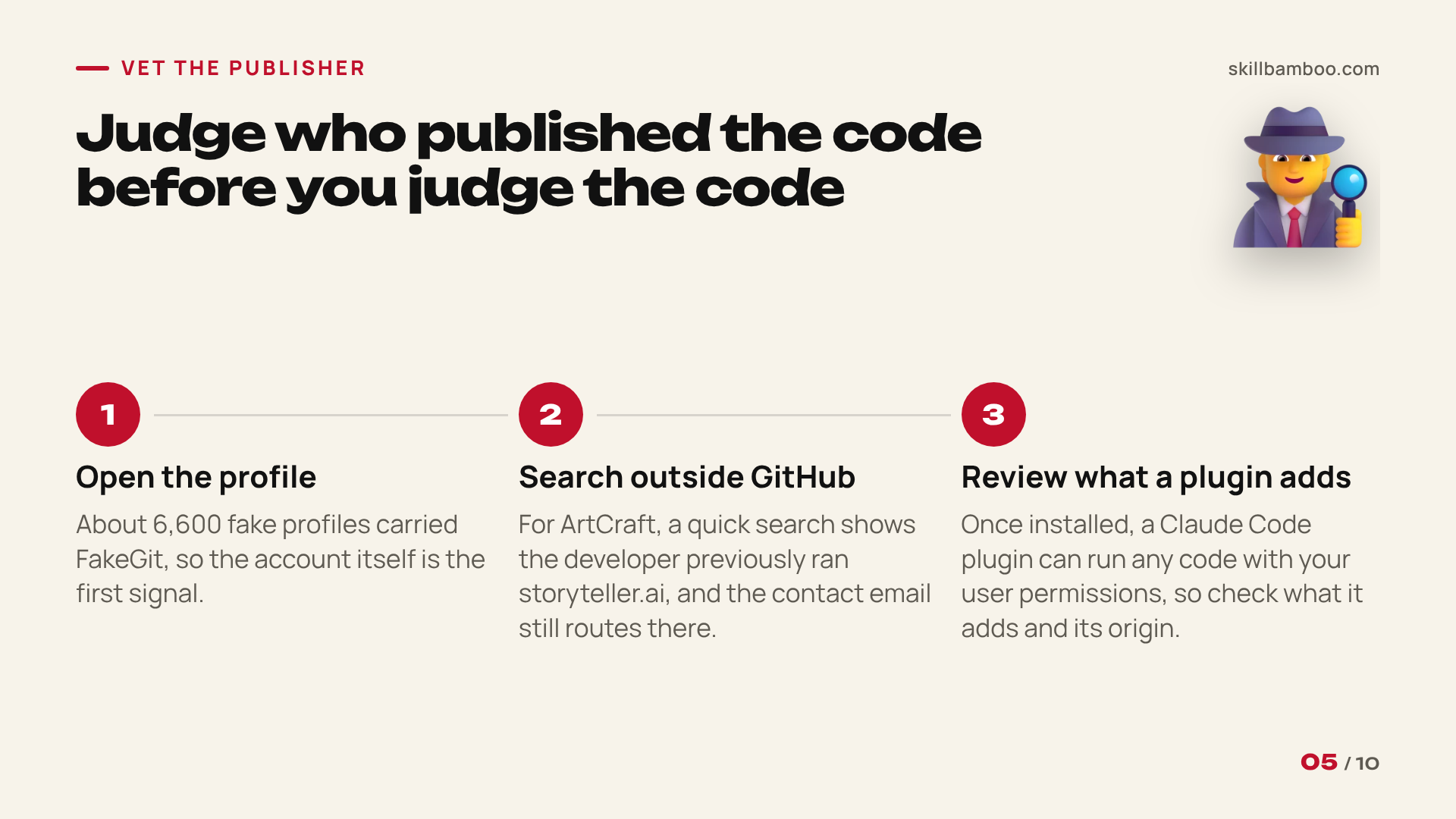
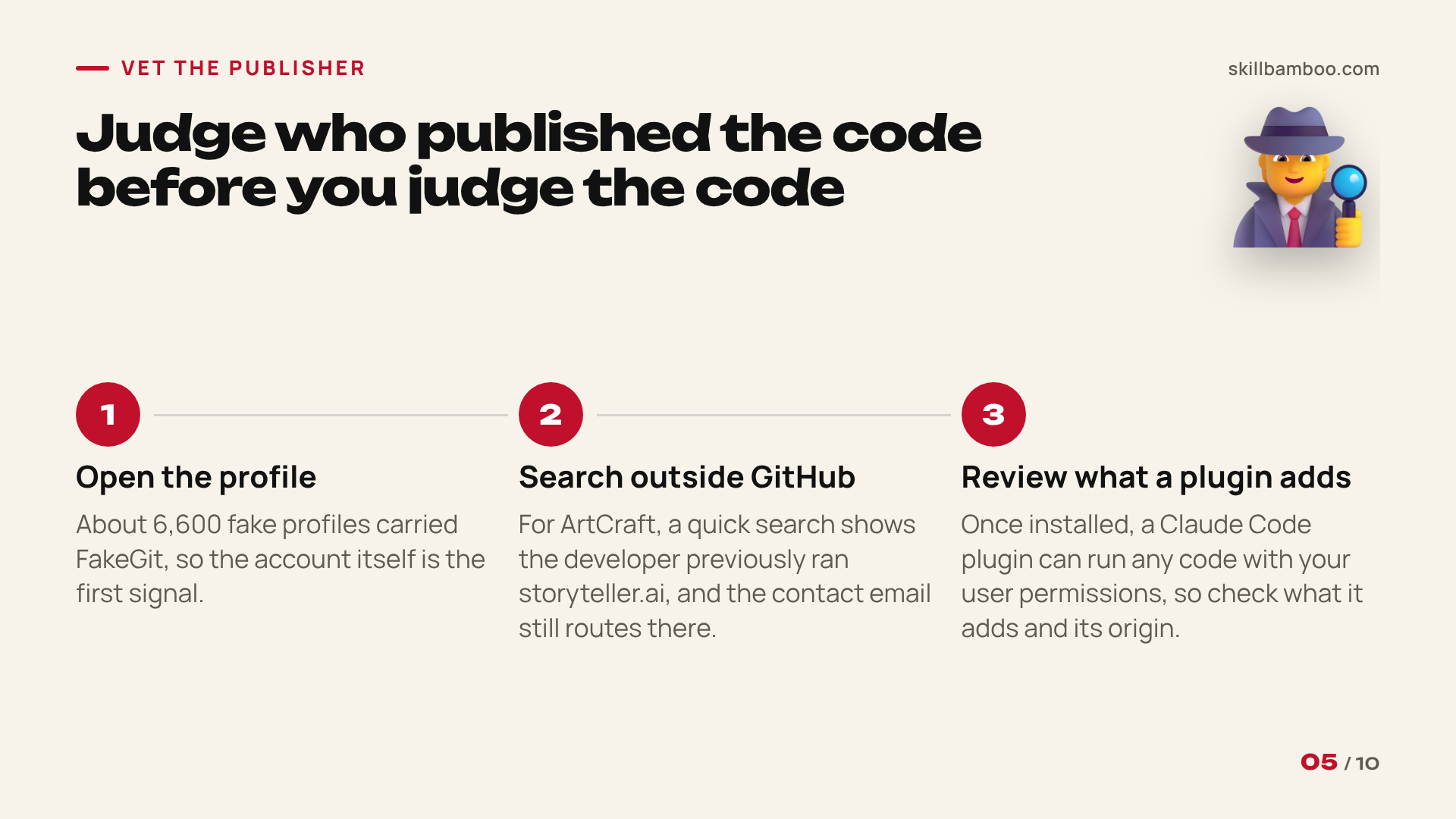
FakeGit’s roughly 6,600 fake profiles were the other half of the attack, alongside its fake GitHub repositories. So before you judge the code, judge who published it.
Open the profile, look at earlier projects, and search for the name and contact details outside GitHub.
A quick search often turns up connections. In ArtCraft’s case, a look at developer Brandon Thomas shows he previously ran a company called storyteller.ai, and the project’s contact email still routes there.
That isn’t evidence of wrongdoing. But now you know who you’re dealing with. The alternatives worth trusting have a maker with a track record you can look up and hold accountable if something breaks.
If the skill or MCP server comes as a Claude Code plugin, the same logic applies, and Claude Code shows you what the plugin adds before you install it. Start Claude Code, type /plugin, pick the plugin on the Discover tab and press Enter. The plugin's card has a Will install section listing its commands, agents, skills, hooks and MCP servers. It tells you a hook exists, not what it runs, so on the same card choose View on GitHub or Open homepage, find the plugin's folder and read three things: the command each hook runs in hooks/hooks.json, each server's command or URL in .mcp.json, and every file in bin/. For a full inventory without starting a session, clone the repository and run claude --plugin-dir <plugin folder> plugin details <plugin name>.
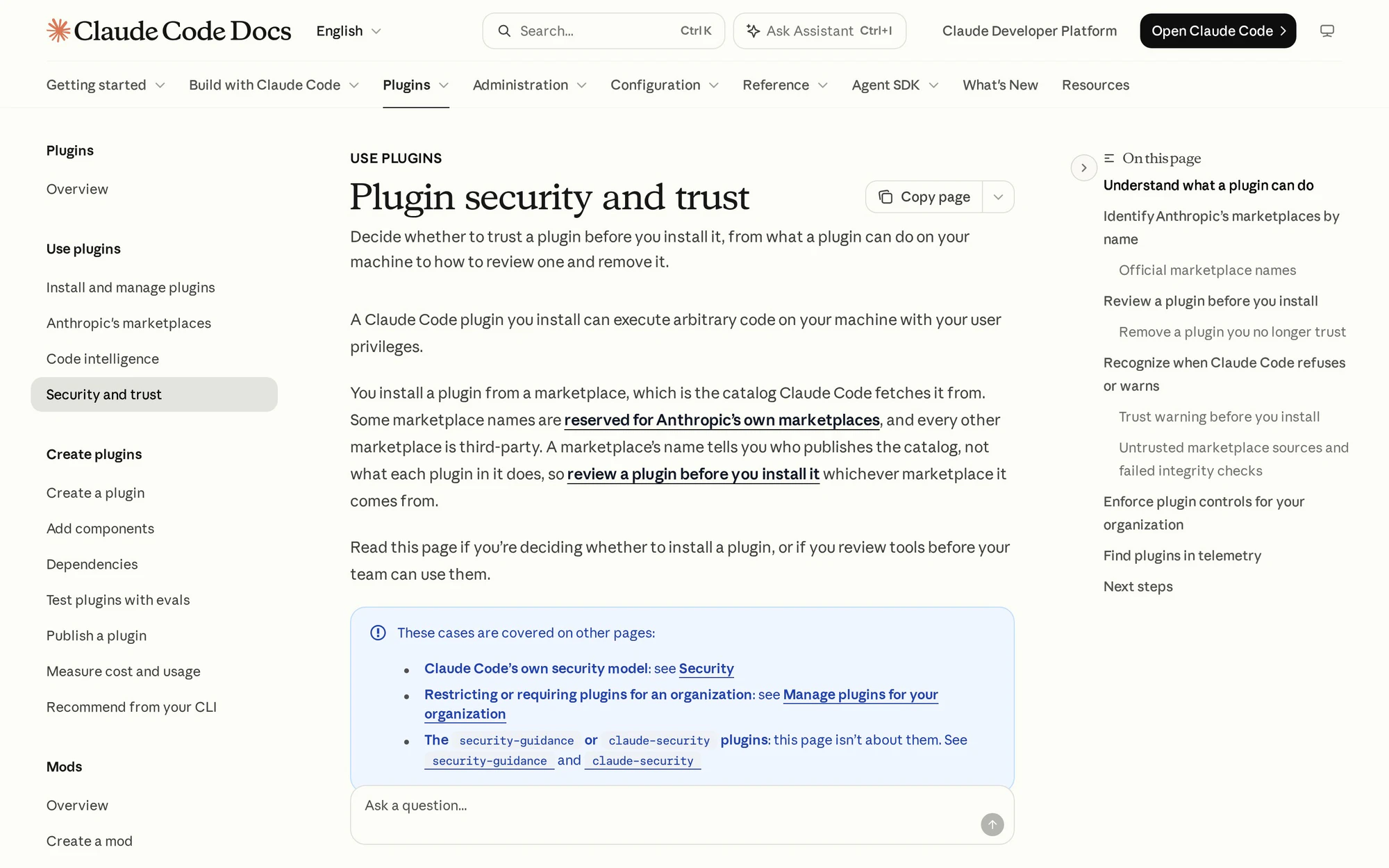
Once installed, a plugin can run any code with your user permissions, so this review isn’t optional.
Plugin security – Claude Code Docs – how to review a Claude Code plugin before installing
Five Questions to Answer Before You Install
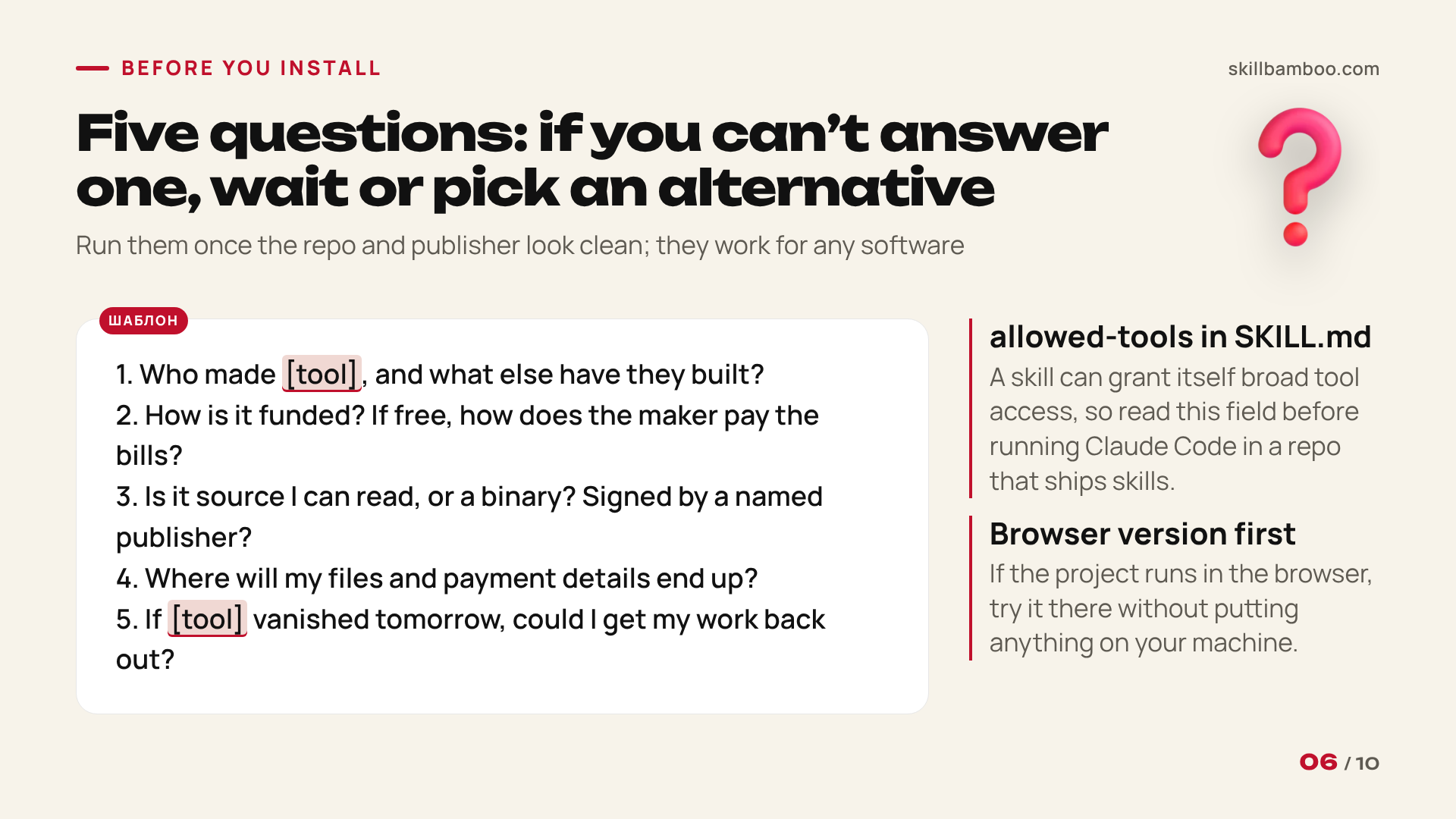
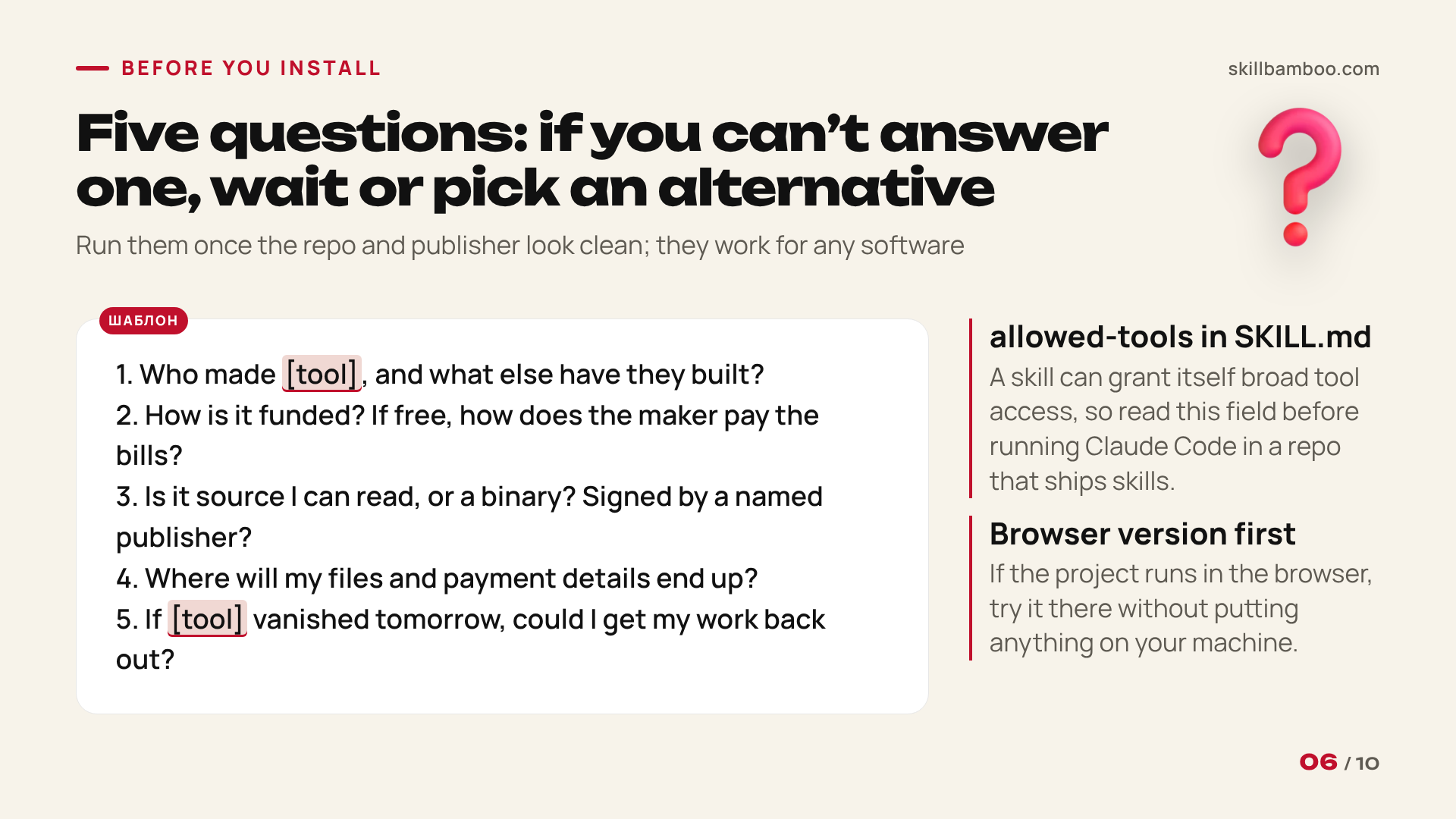
When the repo and publisher look clean, answer these five questions to decide whether a Claude skill is safe to install. They work for an MCP server or any other software too.
- Who made this, and what else have they built?
- How is it funded? If it’s free, how does the maker pay the bills?
- Where does the code come from? Ideally from source you can read. If it’s a binary installer, check whether a named publisher signed it, and if it isn’t signed, read your system’s warning instead of clicking past it.
- Where will your files and payment details end up?
- If the project vanished tomorrow, could you still retrieve your work?
Skills need one more check. A skill can grant itself broad tool access through the allowed-tools field in its SKILL.md. Read that field before you run Claude Code inside a repository that ships skills.
Try before you install
If a project offers a version that runs in the browser, start there. You get a look at the tool without putting anything on your machine.
If you can’t answer one of these questions, take that seriously. Installing code from someone you know nothing about means you can’t be fully sure what’s inside.
Waiting, or picking an alternative, is the safer call.
What No Agent or Score Should Vouch For
You can automate part of this work, and it's worth doing. The key design rule is that deterministic checks decide the verdict, and a language model (if it’s involved at all) only explains it. That way the model can’t be talked into calling a repo safe.
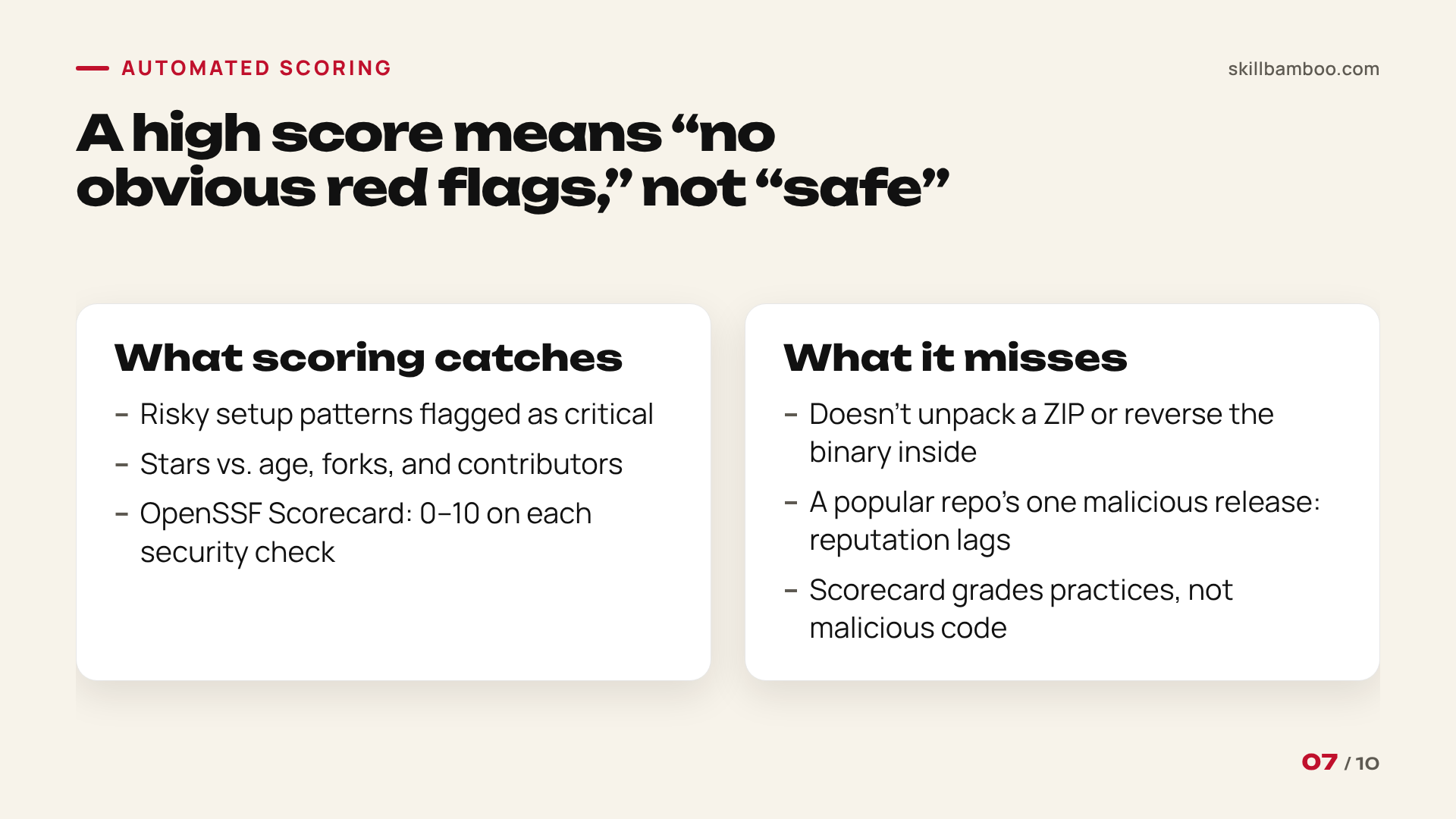
One public option is OpenSSF Scorecard, an open-source tool you run from the command line against any repository, which automatically rates it against a set of security heuristics and gives each check a score from 0 to 10.
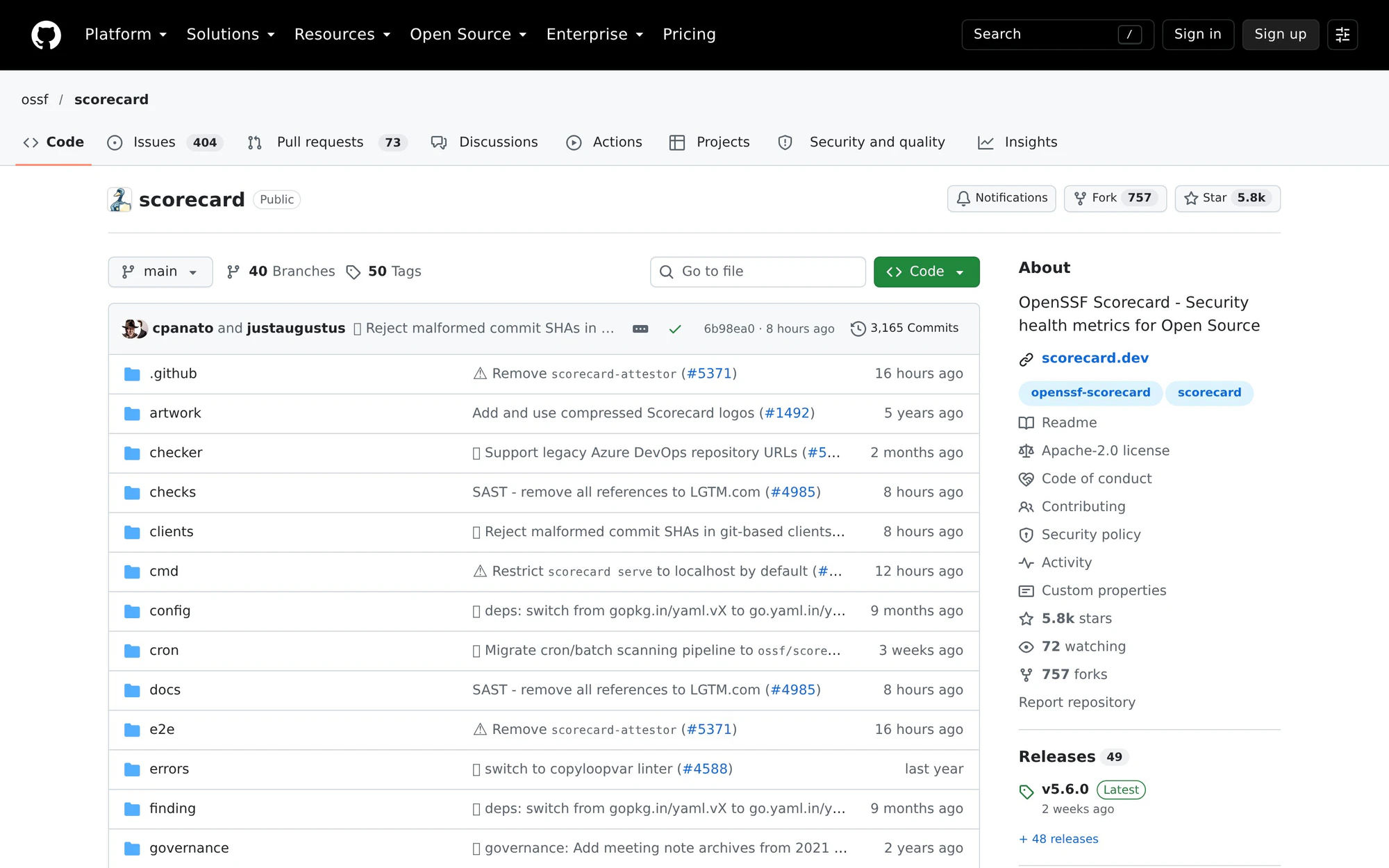
Think of it as a report card on the project’s habits. It grades practices and doesn’t hunt for malicious code.
ossf/scorecard – GitHub – automated security-practice scoring for repositories
Every automated score has blind spots:
- Surface checks don’t unpack a ZIP or reverse-engineer the binary inside, and that’s exactly where FakeGit kept its real payload.
- A well-maintained, popular repo that ships one malicious release can keep scoring well for a while, because reputation trails reality.
A high score means “no obvious red flags”
It does not mean audited or safe. If code is about to run with real access to your machine and keys, read it yourself as well.
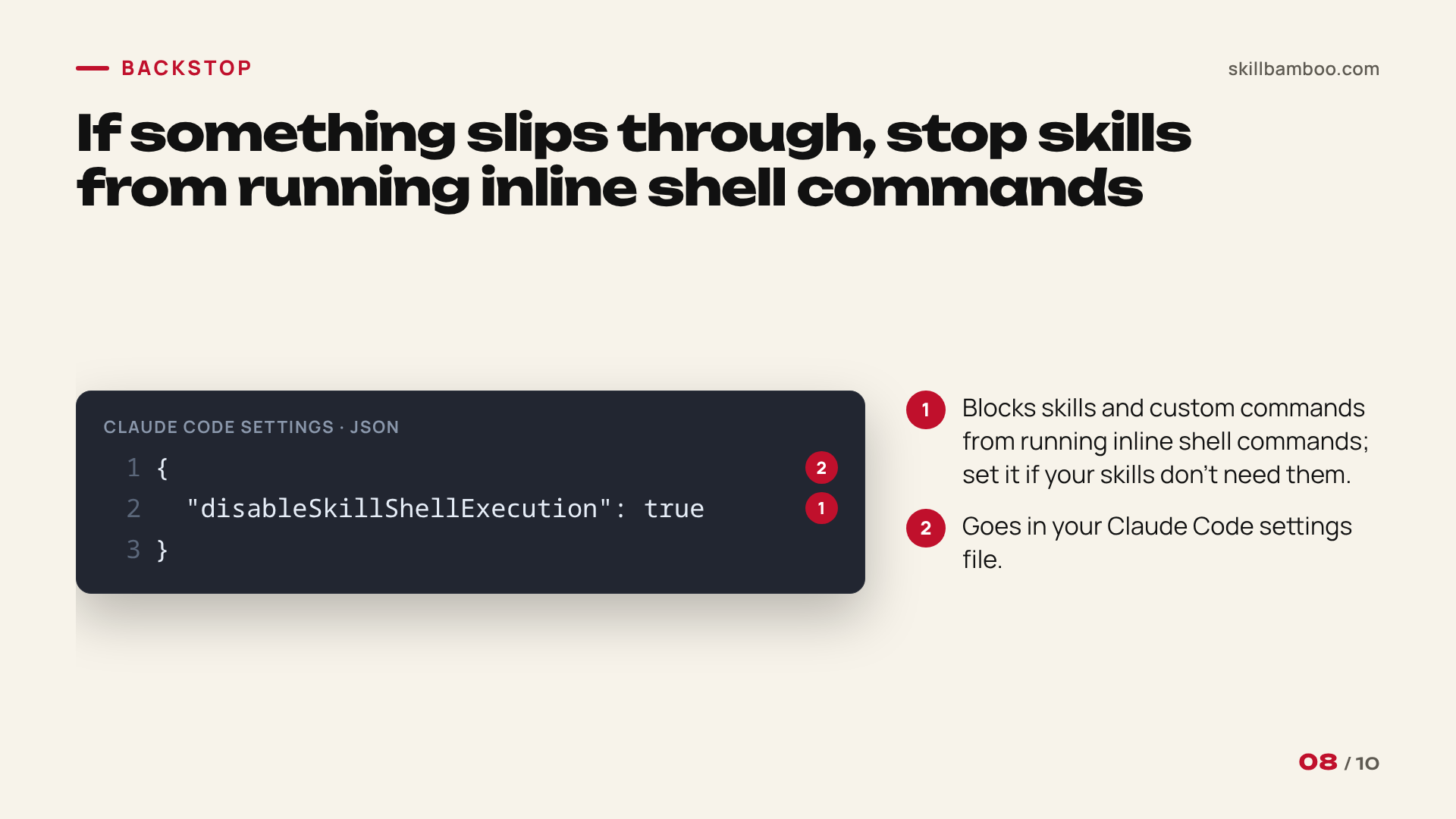
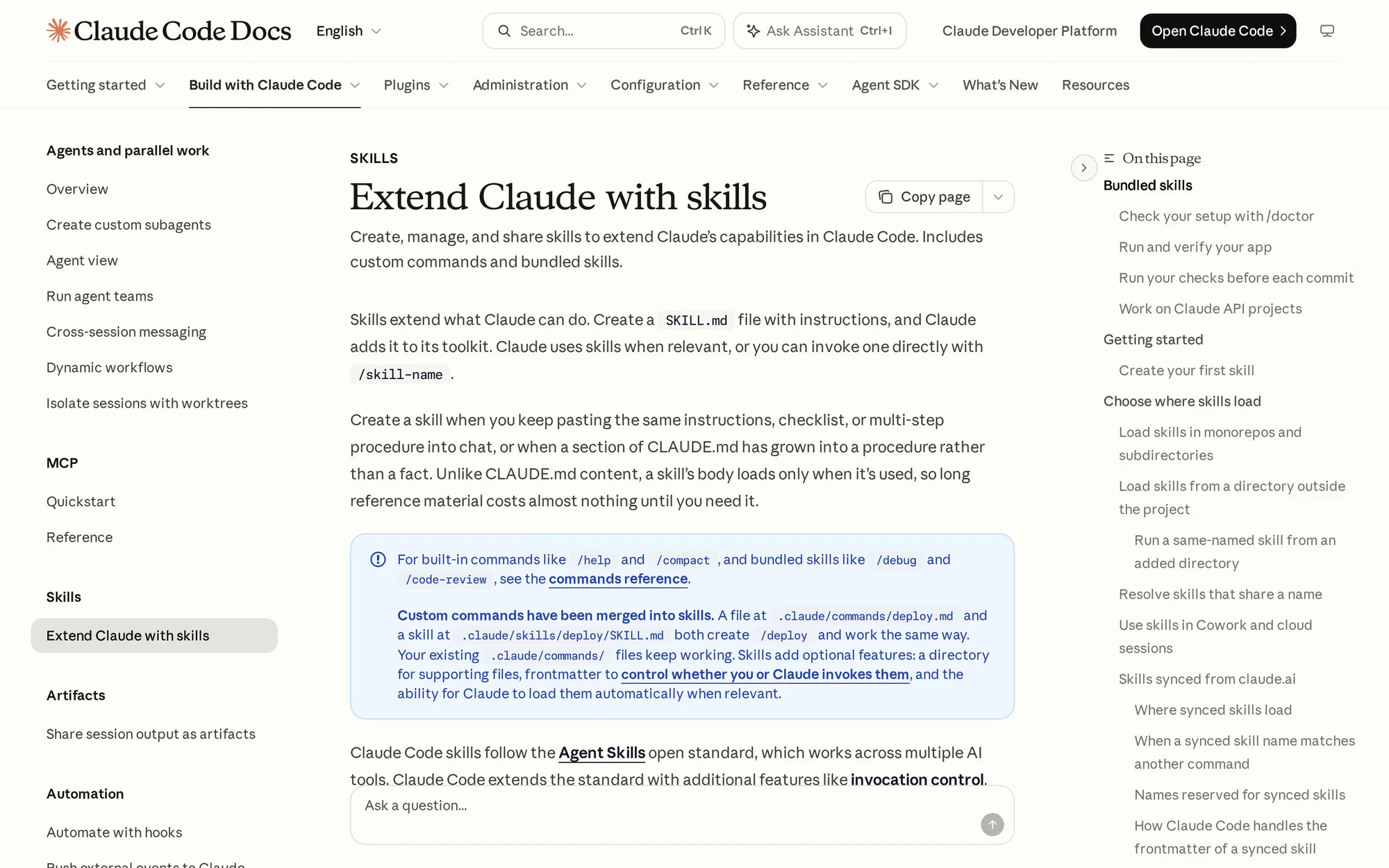
As a backstop in case something slips through, you can stop skills and custom commands from running inline shell commands. Add this to your Claude Code settings:
Skills – Claude Code Docs – the disableSkillShellExecution setting
"disableSkillShellExecution": true
Key terms
- MCP server – A server you connect to an AI agent to give it tools and data, which means it runs with access to your machine or accounts.
- AgentBaiting – An attack where a malicious repo is set up so that AI agents find it and recommend it to users on their own.
- curl | sh – An install pattern that downloads a script from the internet and immediately runs it in your shell without letting you read it.
- Fake stars – Artificially inflated GitHub stars that make a young repo look popular and established.
- Signed installer – An installer carrying a named publisher’s digital signature that your operating system can verify.
- Payload – The malicious part of an attack, often hidden in a release archive or binary rather than in the repo’s visible code.
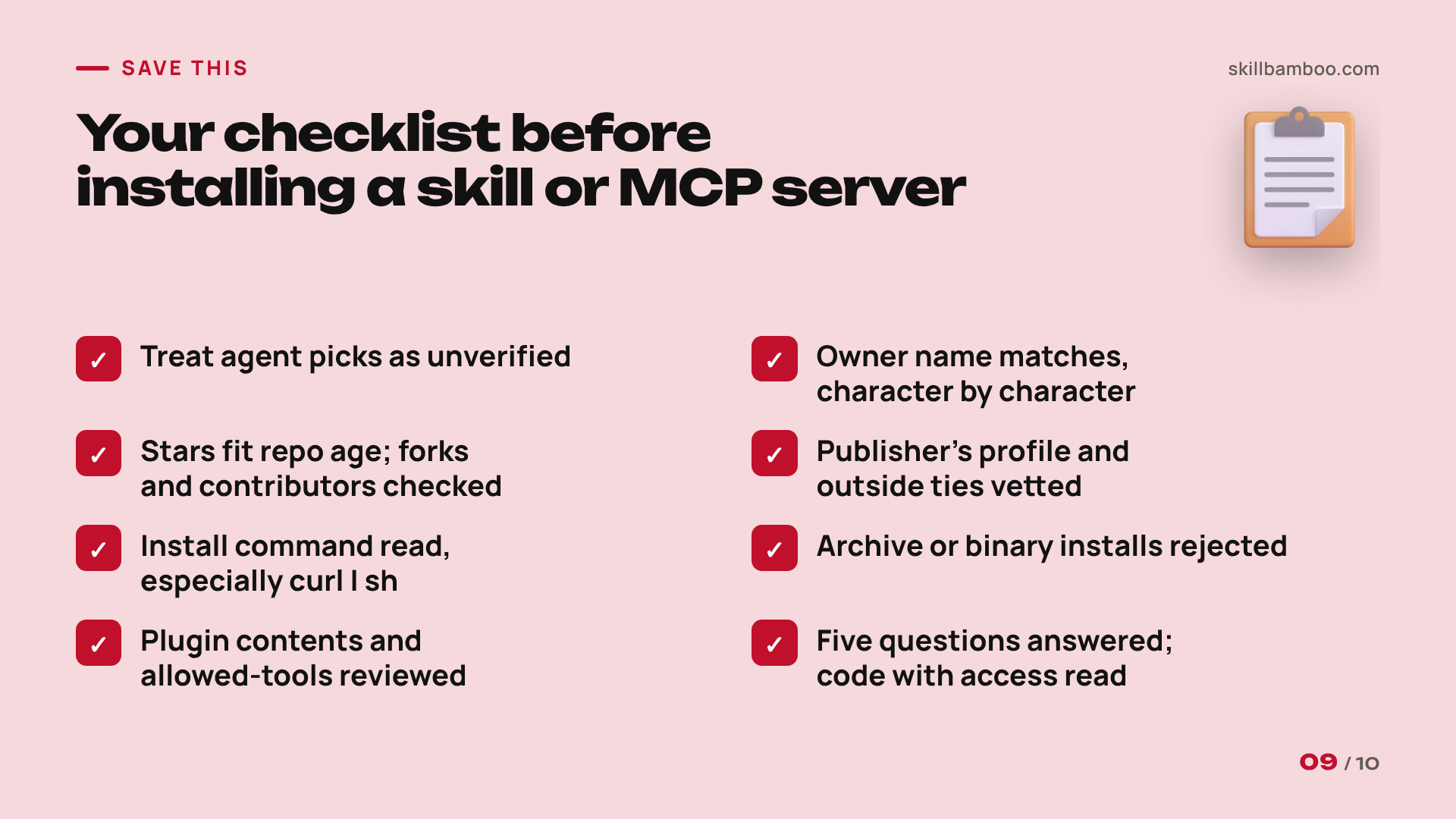
Your MCP Server Security Checklist Before Installing
Run through this every time an agent suggests a new skill or MCP server.
- Treat agent picks as unverified
- Compare the owner’s username character by character with the original
- Check stars against repo age
- Look at forks and contributors, then vet the publisher’s profile, past projects, and outside connections, since FakeGit relied on thousands of fake profiles
Then move on to the install itself:
- Read the install command before running it, especially piped scripts
- Reject archive or binary installs
- For a Claude Code plugin, review what it adds and where it comes from, because once installed it runs with your user permissions
- For a skill, read
allowed-toolsin SKILL.md - Answer the five questions above
- Read code that will get real access, whatever the score says
- Set
disableSkillShellExecutionif your skills don’t need shell commands
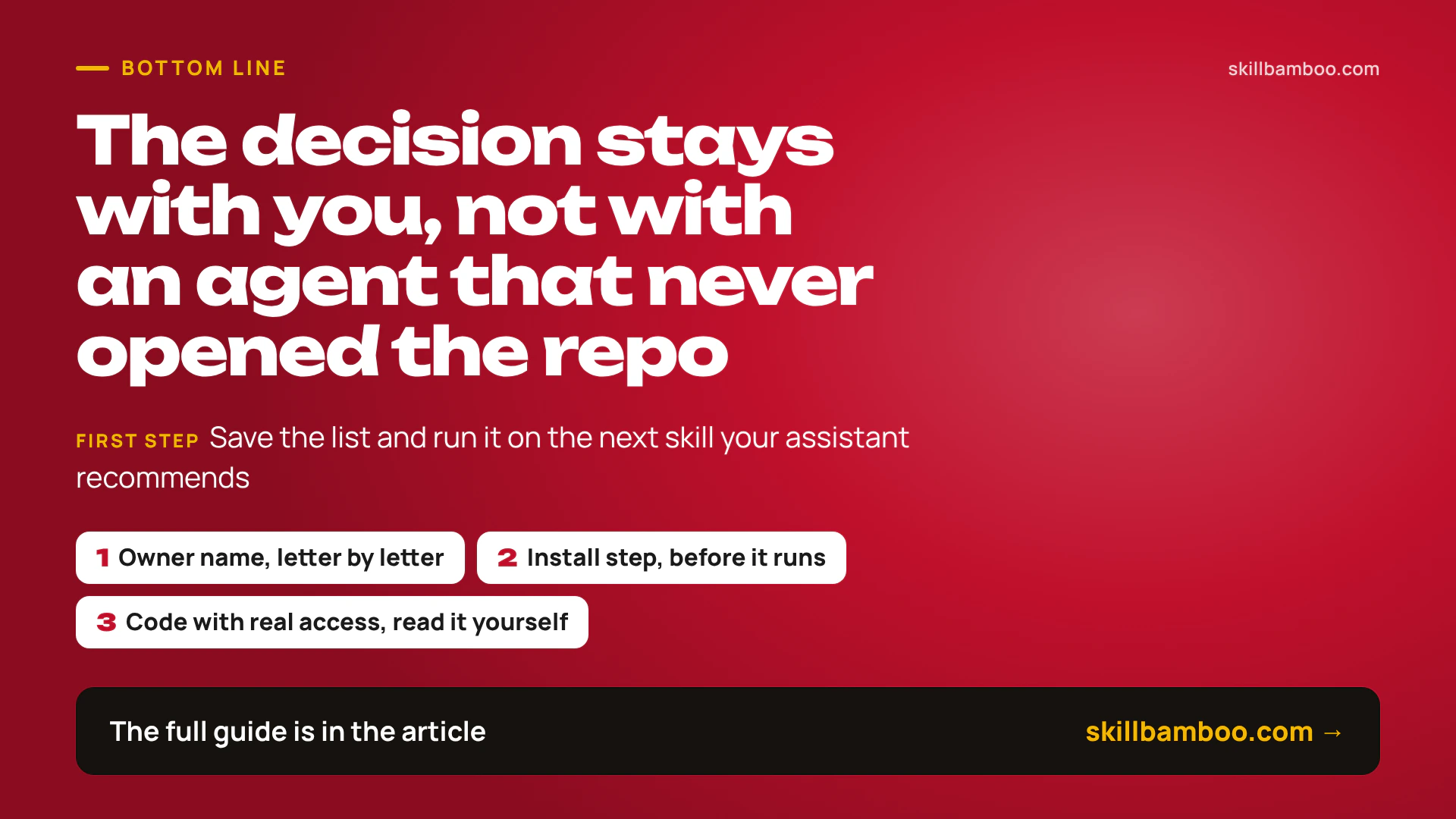
This routine takes a few minutes and should filter out some of the cruder fakes seen in campaigns like FakeGit. The decision stays with you, not with an agent that never opened the repo. So save the list, and run it on the next skill your assistant recommends.
Check yourself
1. Your coding agent suggests an MCP server it found on GitHub. What does that tell you about the repo’s safety?
- A. Nothing: agents have surfaced malicious repos on their own, reading the malicious README as normal docs
- B. It’s safe if the repo has more than 100 stars
- C. It’s been vetted – the agent read the README
Show answer
Answer: A. In tests, Gemini and ChatGPT recommended a malicious repo without being given a link, and Claude Code in some runs treated one as a usable alternative.
2. A popular project’s README says to install with curl ... | sh. What’s the sensible move?
- A. Run it, since the project is popular
- B. Treat the project as malware and leave
- C. Open and read the downloaded script before deciding to run it
Show answer
Answer: C. Piping a remote script into your shell runs it unseen; it’s a reason to read, not a verdict – legitimate Ollama installs this way.
3. Which signals on a repo page should make you suspicious? (Select all that apply.)
- A. The last commit was yesterday
- B. The owner’s username is one character off from a well-known one
- C. The repo has a license and examples
- D. The repo is three weeks old with tens of thousands of stars but few forks or contributors
Show answer
Answer: B, D. B – FakeGit relied on lookalike usernames to pass as the original. D – Stars out of line with age and activity point to fake stars.
4. Why should a repo’s safety verdict come from deterministic checks rather than from an LLM?
- A. Deterministic checks also unpack and analyze every binary
- B. A model can be persuaded by the repo’s own text, while fixed rules can’t be talked into calling it safe
- C. LLMs are too slow for this
Show answer
Answer: B. When the LLM only explains results of deterministic checks, it cannot talk a repo into looking safe.
5. An automated checker gives a repo a high score. How should you read it?
- A. As a reason to skip reading code that will run with real access
- B. As a guarantee – you can grant it access to your keys
- C. As “no obvious red flags,” not “audited and safe”
Show answer
Answer: C. Surface checks don’t unpack archive payloads, and reputation lags a repo that just turned malicious.